Digital and interdisciplinary works

Projects

Simulations, social practice projects and applications. The overview groups the existing work by its respective project logic.

Project overview

7 projects · 3 categories

Applications

Digital infrastructure and browser-based applications for artistic and practical working processes.

  • Digital infrastructure · Live

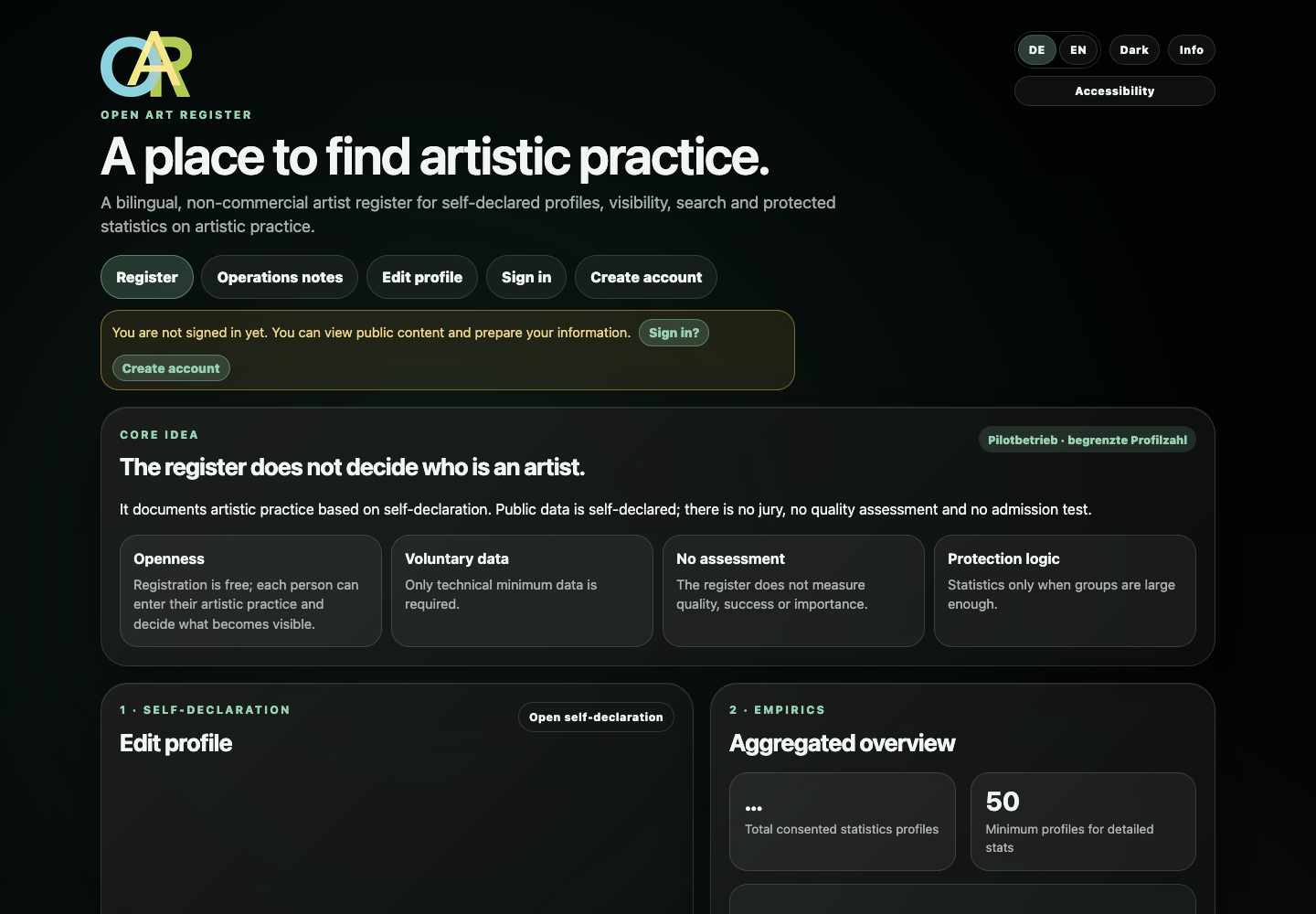
    Open Art Register

    A long-term digital infrastructure for the structured capture, organisation and controlled visibility of artistic practice.

    Open project
  • Browser-based prototype

    Math Cell Helper

    Capture, display and save formulas, then reuse them in Excel, Google Sheets or Apple Numbers.

    Open project
  • Immersive VR project

    VR Museum – Wellenritt der Wahrnehmung

    A digital museum with its own 3D model, map views and a browser-based museum environment. The interactive museum application is embedded directly in its project page on jerdogan.art.

    Open project

Simulations

Digital and immersive experimental settings exploring movement, perception and spatial experience.

  • Lyrical simulation

    Höhenangst – Simulation

    Lyrical, semantic, typographic and mathematical structures are connected in a moving application.

    Open project
  • Digital simulation

    Surfin – Simulation

    A static photomontage is translated into a digital scene through light, particles, plant motifs and wave movement.

    Open project

Social practice projects

Projects that treat encounter, participation and shared perception as part of the work itself.

  • Participatory exhibition format

    Clash of Arts

    A curatorial experimental arrangement exploring perception, comparison and voluntary encounters with art.

    Open project

Info

Information about jerdogan.art

A short overview of the purpose, use, privacy, accessibility and contact information for this website.

About jerdogan.art

jerdogan.art is used to present my artistic and professional fields of work. The website brings together works, projects, applications and publications.

Using the sections

The individual sections and project pages contain guidance for using the content, applications and functions provided there.

Works and content

Images, texts, publications and artistic works are protected by copyright. Presentation on jerdogan.art does not grant permission for reuse.

Privacy

jerdogan.art itself does not use user accounts or tracking services and does not set cookies. The Light/Dark preference is stored only locally in the browser. Standard server logs may be created by the hosting provider when pages are requested. External links leave jerdogan.art and are governed by the respective provider's information.

Accessibility

The main navigation, language controls and dialogs are keyboard accessible. Visible focus states, reduced motion and an additional dark appearance are supported. Embedded applications may provide additional operating guidance of their own.

Contact

Contact Jeremias Erdogan

Jeremias Erdogan
Humboldtstr. 23
40237 Düsseldorf, Germany
jeremiaserdogan@gmail.com
jerdogan.art

User information

User information / Terms of use

A short version for using jerdogan.art. The full version is available on its own page.

Purpose of the website

jerdogan.art presents and documents my artistic and professional fields of work. Merely visiting the website does not create a purchase, service or licence agreement.

Artistic content

Presentation on this website does not grant permission for reuse. Images, texts, publications and other original content may not be reproduced, republished or presented as your own without the relevant permission.

Interactive areas

Simulations, applications and independent project environments may have their own operating notes and technical requirements. The information in the respective section or project page applies.

External links

Links to external websites or services leave jerdogan.art. The respective provider's information applies to external content, privacy and terms of use.

Voluntary support

Voluntary support contributes to my artistic and digital project work. It does not transfer usage, ownership or exploitation rights in works or projects.

Accessibility

Accessibility on this website

The central controls are keyboard accessible. Dialogs keep focus inside, close with Escape and return focus to the control that opened them.

Keyboard

Use Tab and Shift+Tab to move between links and buttons. Enter activates links; Space or Enter activates buttons. Focus remains inside open dialogs and Escape closes them. Arrow keys control the carousel and book reader where that navigation is provided.

Language

DE and EN switch to the corresponding language version of the current page.

Appearance

Light remains the unchanged default. Dark is an additional view and is stored locally in the browser.

Motion

The operating system preference for reduced motion is respected.